
What players say
Colorful Canvas succeeds by doing one thing well: providing a relaxing coloring space without any distractions. The interface is minimal, the controls are responsive, and the variety of drawings keeps each session fresh. The absence of timers and scores is a deliberate strength, allowing players of all ages to engage at their own pace. It is an excellent choice for anyone seeking a brief mental break or a quiet creative outlet.
About this game
Simple Creative Flow
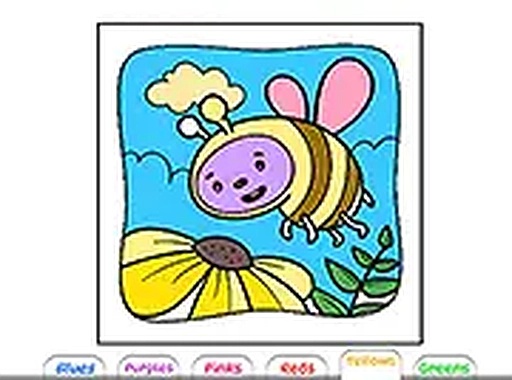
Colorful Canvas is built around a straightforward process that anyone can pick up quickly. Players start by browsing a gallery of line drawings, each featuring distinct shapes and scenes. After choosing an image, the color palette appears on screen. Tapping or clicking on any enclosed area instantly fills it with the selected hue. This cycle of selecting and filling continues until the entire picture is complete. The interface is clean and uncluttered, ensuring that the focus remains on the act of coloring itself.
No Pressure Environment
Unlike many digital activities, Colorful Canvas removes all elements of competition and time constraints. There are no points to earn, no levels to unlock, and no countdown timers. This design choice encourages players to work at their own speed, whether they want to finish a drawing in a few minutes or spend an hour perfecting the color combinations. The absence of failure states means every choice is valid, and every completed picture is a personal success.
Cross-Device Accessibility
The game runs entirely within a web browser, eliminating the need for downloads or installations. It works on desktop computers, tablets, and smartphones, adapting to different screen sizes automatically. On a computer, players use a mouse for precise clicking. On touch devices, tapping with a finger provides the same responsive experience. A full-screen option is available for those who want to immerse themselves in the artwork without distractions.
Creative Expression Without Limits
The color palette includes a wide range of shades, from soft pastels to bold brights. Players can experiment freely, changing colors as often as they like. If a section needs a different hue, simply selecting a new color and clicking again updates it instantly. This flexibility allows for endless variations of the same drawing, encouraging repeated play and exploration of personal style.


Player comments
Sign in to comment
You must be logged in before posting a review or rating.
No account? Create one
No comments yet. Be the first to comment!