
What players say
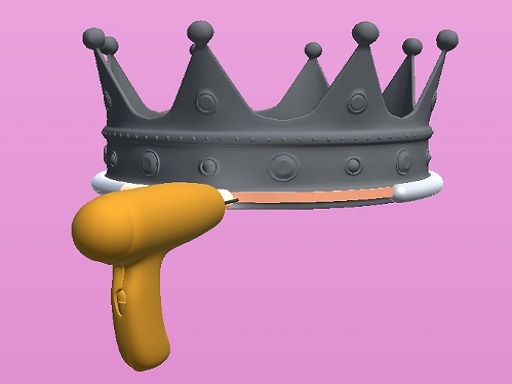
Precision Metalcraft 3D Simulator stands out for its realistic feedback system and gradual difficulty curve. The part alignment phase trains your spatial awareness, while the welding and painting steps demand steady control. New projects unlock at a comfortable pace, keeping the experience fresh without overwhelming you. It is a well-crafted tool for learning metalworking fundamentals in a safe, digital environment.
About this game
Workshop Setup & Project Selection
You begin by choosing from a list of metal objects to construct. Each project presents a unique assembly challenge, from simple brackets to more intricate frames. The workshop environment is rendered in 3D, giving you a clear view of your workbench and the tools at hand. This setup helps you focus on the task without distractions.
Part Alignment & Assembly
Using mouse or touch controls, you pick up each component and place it in the correct position. The game provides visual guides to help you align edges and corners before securing them. Proper alignment is essential for a strong final product, and the feedback system highlights any misalignments so you can adjust before moving on.
Welding Technique & Feedback
Once parts are positioned, you proceed to weld the joints. On-screen prompts indicate where to apply the weld and for how long. The simulation responds to your speed and accuracy, rewarding steady hands with clean, solid seams. This step teaches the importance of consistent motion and attention to detail.
Painting & Finishing Touches
After welding, you move to the painting phase. Using virtual spray tools, you apply color evenly across the surface. The game tracks coverage and thickness, encouraging a methodical approach. A well-painted object shows smooth, uniform color, which adds to the satisfaction of completing the project.
Skill Progression & New Projects
As you finish each object, the game may unlock more complex designs. This progression keeps the experience fresh and gradually increases the demand on your coordination and patience. You can revisit earlier projects to improve your scores and refine your technique.
Learning Without Real-World Risks
This simulator provides a safe environment to explore metalworking concepts. There is no exposure to heat, fumes, or sharp edges. Beginners can learn at their own pace, while experienced hobbyists can practice new methods without wasting materials. It is a practical tool for building confidence before working with real equipment.








Player comments
Sign in to comment
You must be logged in before posting a review or rating.
No account? Create one
No comments yet. Be the first to comment!